A Discord mute button on your phone, with live state
Reaching for a window mid-game to unmute is the problem a dedicated mute button solves. Klikor turns the iPhone or Android you already own into a Discord mute and deafen button for your Windows PC, and the button shows whether you are actually muted.
What you get
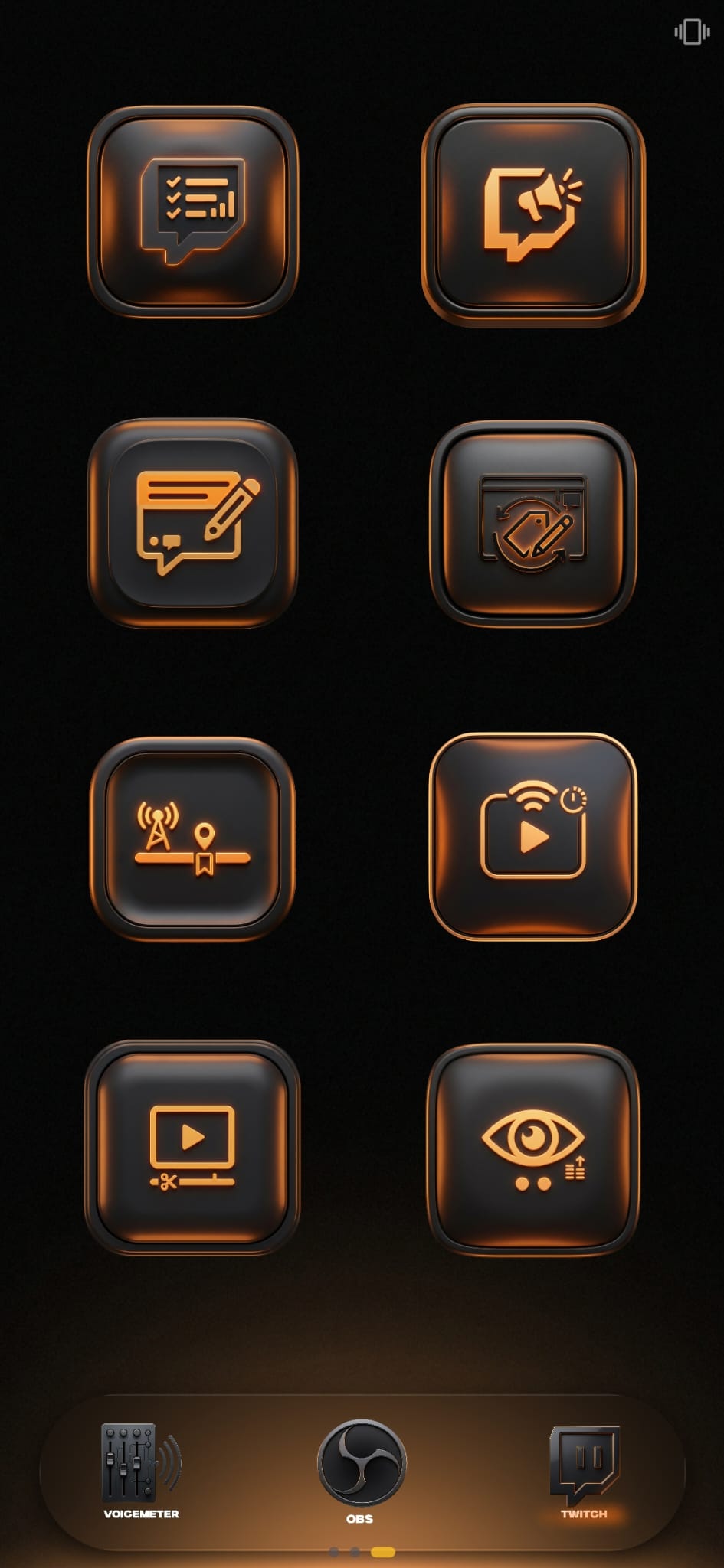
With Klikor you can put a toggle mute and a toggle deafen button on your phone, or use explicit set mute and set deafen buttons that always turn it on or off rather than flipping it. Press the button on the phone and your Discord client on the PC changes state, even while a game is fullscreen and Discord is in the background.
The buttons are not blind. Klikor listens for Discord's own voice-settings updates, so if you mute yourself with the Discord keybind, the overlay or the app itself, the button on your phone follows. That is the difference between a button that sends a keystroke and hopes, and one that reflects the real state. Many keystroke-only setups drift out of sync after a single missed press and leave you talking on mute.
How it works
Klikor talks to the Discord desktop client through Discord's local RPC interface on your own machine. It does not use a bot, and it does not need your Discord password. You authorize Klikor once in Discord, and the app stores the resulting authorization on your PC so later sessions reconnect without asking again.
Discord must be running on the same Windows PC as the Klikor desktop app. The voice controls act on that desktop client. They do not control Discord on your phone, and they do not work through Discord's website.
Setup in a few minutes
- Install the free Klikor desktop app on Windows and pair your iPhone or Android by scanning the QR code.
- Open Discord on the PC and leave it running.
- In Klikor, open Settings and connect Discord Voice, then approve the authorization prompt that Discord shows.
- Add a button to a page, choose the Discord action, and pick toggle mute, toggle deafen, set mute or set deafen.
- Optionally bind the button's state to the live mute or deafen value so it lights up or changes label when you are muted.
What it costs
Discord voice mute and deafen controls are a Pro feature. Pro is a one-time purchase, not a subscription, and the core app stays free. Note that Klikor's separate Discord webhook action, which posts messages to a channel, is a different feature from the voice controls described here.
Honest limits
- It controls Discord on your Windows PC only; Mac is not supported yet.
- It covers mute and deafen. This page does not claim volume, channel-switching or push-to-talk control.
- It is a touchscreen, so there are no physical keys under your fingers. If tactile keys matter most, dedicated hardware is the better fit.
The rest of the setup
Klikor needs no account and no cloud. The free desktop app runs on your Windows PC and your phone talks to it directly over your local network, so nothing is relayed through a vendor server. The core app, with unlimited profiles, buttons and macros, is free; the integrations are part of Klikor Pro, a one-time purchase rather than a subscription. If you are weighing it against hardware, see the full Klikor vs Stream Deck comparison, or go straight to the download section.
Discord mute button: frequently asked questions
Can my phone be a physical Discord mute button?
Yes. Pair the Klikor mobile app with the Klikor desktop app on Windows, add a Discord mute or deafen button, and pressing it on the phone changes your Discord voice state on the PC.
Does the button show whether I am muted?
Yes. Klikor listens to Discord voice-settings updates, so the button can reflect your real mute and deafen state, including changes made with Discord keybinds or in the Discord app.
Is the Discord mute button free?
The Klikor core app is free, but the Discord voice controls are part of Klikor Pro, which is a one-time purchase and not a subscription.
Does it work while I am in a fullscreen game?
The button works from your phone, so you do not need to switch windows. Discord must be running on the same Windows PC as the Klikor desktop app.
Do I need a Discord bot or an account with Klikor?
No. Klikor connects to your local Discord desktop client and you approve it once in Discord. There is no Klikor account and no bot to set up.
Get a Discord mute button without buying hardware
Download the free Klikor desktop app for Windows, scan the QR code with the Klikor app on your iPhone or Android, and start binding buttons.