An EVE Online button panel and macro pad on your phone
Klikor turns your iPhone or Android into a touch panel for EVE Online on Windows, with one-tap ESI actions like set destination and open market, plus free keyboard macros.
A button panel for EVE Online
EVE Online players juggle a lot of windows. Klikor puts a customizable grid of touch buttons on your iPhone or Android so common actions are one tap away while the game stays on your PC. Klikor is a Windows desktop app plus a mobile app that pair over your local network. There is no cloud relay and no Klikor account. The core is free, with unlimited profiles, buttons and macros. For a broader look, see our free Stream Deck alternative page.
What the EVE integration does
Klikor has a native EVE Online integration built on CCP's official ESI API. You connect your character once through EVE's standard OAuth sign-in in Klikor's settings, and the buttons can then call these ESI in-game UI actions:
- Set destination. Sends a destination to your in-game autopilot, replacing other waypoints. Good for a row of buttons for your regular trade hubs or home system.
- Open market. Opens the market details window for a given item type, for the items you check all the time.
- Open info. Opens the in-game information window for a character, corporation, system or other item by its ID.
Klikor can also show live character state on your buttons. These are the same kinds of actions the game's own interface exposes through ESI. Each tap is one request for one thing you asked for.
Set it up
- Install the free Klikor desktop app on your Windows PC and pair your phone by scanning the QR code. The download section has the installer.
- Open Klikor settings, choose EVE Online and sign in with your EVE account through the browser. Klikor stores the connection locally.
- Create a button and pick the EVE Online action: set destination, open market or open info.
- Enter the numeric ID for the system, item type or target. These IDs are the ones listed in EVE reference data.
- Name the button, give it an icon and tap it from your phone.
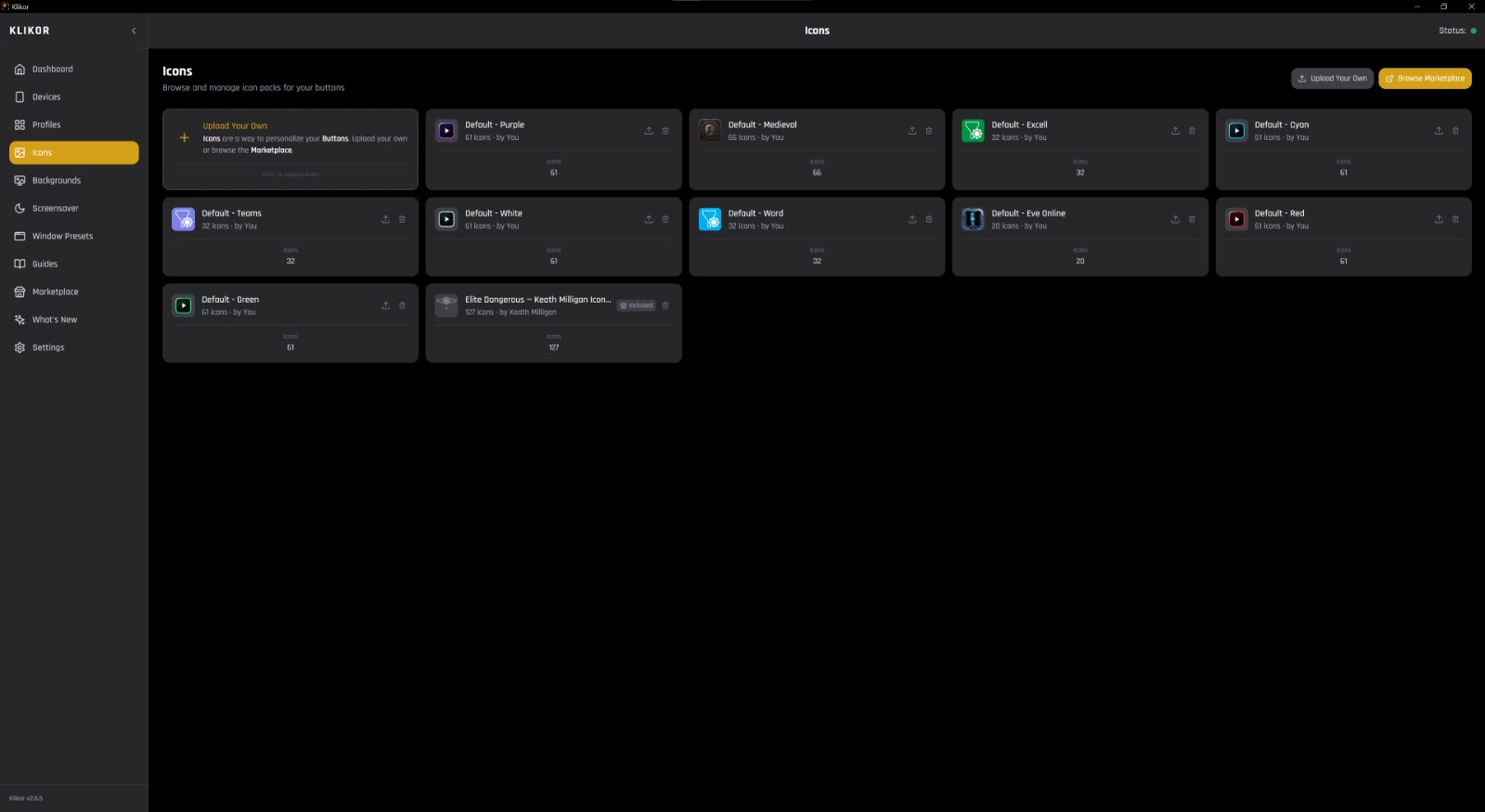
Free EVE icon pack
Klikor has a built-in marketplace for content packs and icon packs. A free Default - Eve Online icon pack is available at marketplace.klikor.io, so your panel can look the part without drawing every icon by hand.
Keystrokes and macros still work
Beyond the ESI actions, Klikor's free core can send keyboard shortcuts and macros, so you can also bind buttons to the hotkeys you already use in EVE. Each press sends the input of a single key press on your own PC, the same as pressing that key yourself.
What Klikor does not do
Klikor does not broadcast input to multiple clients, and it does not run automation loops or play the game for you. It is a remote control for one PC, driven by your own taps, plus a handful of official ESI actions. It is also not a replacement for physical keys, since a touchscreen has none. If that matters to you, a hardware deck has the advantage.
The keyboard and macro features are free. Some integrations require the optional one-time Pro purchase; check the pricing section on the homepage for what is included. Also flying Elite Dangerous? See the Elite Dangerous button box page.
EVE Online button panel: frequently asked questions
Can I use my phone as an EVE Online macro panel?
Yes. Install the free Klikor desktop app on your Windows PC, pair it with the Klikor app on your iPhone or Android, and add buttons for EVE hotkeys or for the EVE integration's ESI actions.
Does Klikor work as an EVE Online Stream Deck alternative?
Yes, if you want a grid of customizable buttons without buying hardware. The trade-off is that a touchscreen has no physical keys.
What EVE actions can a Klikor button trigger?
Through the official ESI API, a button can set an autopilot destination, open a market window for an item type, or open an information window for a target ID.
Does Klikor broadcast input to multiple EVE clients?
No. Klikor does not broadcast input or automate gameplay. Buttons act on your own PC, one tap at a time.
Is there a free EVE icon pack?
Yes. A free 'Default - Eve Online' icon pack is on marketplace.klikor.io.
Try Klikor free
Download the Windows app, scan the QR code with your iPhone or Android, and build your first page. No hardware, no account.